





Content creation has always been a cornerstone of a successful WordPress site. Let’s face it, it’s also one of the most time-consuming aspects of maintaining one. The onus is on you, be it authority-site owner, new blogger, or agency SEO to publish fresh content regularly. Here is where AI content writers for WordPress come into play.
In this guide, we’re going to go over everything you need to know about AI writing tools for WordPress. What they are? How they work? Which ones on the market are worth trying? and most importantly; how to use them in conjunction with your UltaHost WordPress hosting configuration
Key Takeaways
- AI writing tools support human editors by speeding up drafts, SEO, and outlines while preserving creativity, accuracy, and brand voice.
- Choose AI tools based on your goal, like SEO-foxcused plugins like Rank Math AI or workflow-friendly options like Jetpack AI.
- High-quality prompts with clear audience, tone, keywords, and goals produce better AI-generated content.
- Google rewards helpful, accurate, and engaging content, regardless of whether it is written by humans or AI.
- Strong WordPress hosting ensures AI tools run smoothly by handling real-time processing and heavy plugin loads.
- Start with one AI tool, master it, and gradually add others as your workflow improves.
Every second counts in SEO
UltaHost NVMe SSD storage and built-in LiteSpeed Cache deliver 300% faster performance with zero configuration needed..
What’s an AI Content Writer for WordPress?
An AI writing plugin for WordPress is a tool or add-on that leverages artificial intelligence. More specifically NLP and machine learning, to author, edit, and optimize written content directly inside your WordPress dashboard. Rather than facing a blank editor, you enter topic, keywords or prompt to tool and it starts drafting for you.
These are not magic buttons that can replace thoughtful writing. Consider them your assistants: They do the grunt work of structure and keyword weaving and first-drafting, while you get to do what you’re born for, the thoughts, the voice, the judgment. It’s a very potent combination when it’s used in an effective way.
Why Content Writers Are Starting to Use AI in 2026
Numbers tell a powerful story. New data reveals that more than 51% of businesses now use AI for content creation, and that number is rising. The reasons are not hard to grasp:
Speed without sacrifice: What used to take hours, researching, outlining, drafting, editing, can now be condensed into small time. A good AI tool can write a 1,500-word blog post draft in less than five minutes. Not that you necessarily publish it right away, but it’s a good foundation to build on.
Battling writer’s block: Even the most populous of writers come up against walls. Artificial intelligence tools can provide an inexhaustible stream of ideas, angles and sentence starters to get you moving again.
SEO built in: Some of the best software for WordPress doesn’t only write, it optimizes. They recommend keywords, assess readability scores, suggest meta descriptions and highlight holes in your content strategy.
Scalability: For organizations with agencies or content teams, who have multiple WordPress sites to maintain. AI is making the possibility of growing out your output without expanding in headcount achievable.
How AI Content Writers work with WordPress
There are two common ways most AI writing tools arrive for WordPress users:
Native WordPress plugins. All of these you install directly from the wordpress plugin directory and they live within your editor. Jetpack AI Assistant is a great example, it’s integrated in your WordPress block editor and allows you to write, modify, and create posts without leaving your dashboard.
Standalone platforms with WordPress integration. Narrato, Jasper or ContentBot type tools. AI function as external platforms on which you write and draft content directly to WordPress in a single click. These offer more feature-rich options, additional templates, search-engine-optimization research, image generation, but you have to hop from tab to tab.
The correct answer is the one that fits your workflow. If you prefer having everything in one spot and as little friction as possible then a native plugin is what you want. When you require deeper functionality and don’t mind running two windows, what is often served on a stand-alone platform can be superior.
Best AI Online Copywriters for WordPress to Follow in 2026
These are the tools that are truly finding success among WordPress users currently.
1 Divi AI

Divi AI appears at the top of most lists for a reason. It works tightly with the Divi theme and page builder (which acts as a plugin on your WordPress site anyway), and covers you for both text as well as image generation. You can create entire blog posts, product descriptions or Web copy from basic prompts, then fine-tune tone, length and style all within the editor.
Its “ Automatically Generates” image option is particularly impressive as it generates visuals that are relevant to and fit your content. These themes offer features: Sticky Navigation with Shadow Box Header Fixed Top Bar Clean Global Elements.
You have a clear and stylish navigation on your If you want an easy way to share large files naturally, then the cloud hosting is our best options for business class products in Australia!.
2 Jetpack AI Assistant
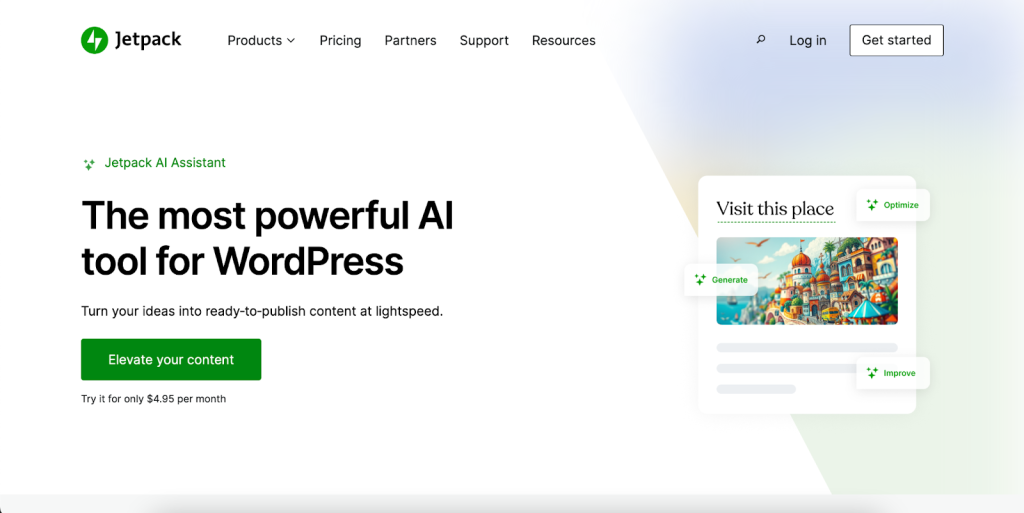
Built by Automattic, the team behind WordPress. com, Jetpack AI is one of the most fluid native integrations out there. It resides within the block editor, so using it feels like a natural part of the writing process rather than an interface grafted on to that tool set.
It writes posts, it can summarize posts, it can translate from multiple languages and flip the tone of your writing with a switch. The Jetpack plugin is free, and you can get the AI part for an approximate $95.40/year.
3 AIOSEO (All In One SEO)

If SEO is your main concern, it’s tough to beat AIOSEO. The plugin is tried and true when it comes to WordPress SEO, and these AI-based features bring that power straight into content creation.
It creates SEO-optimized titles and meta descriptions, it develops FAQ sections based on your content, and offers further suggestions to increase the relevancy of your text based on the terms you’d like to rank for, directly in the WordPress editor.
4 Rank Math AI
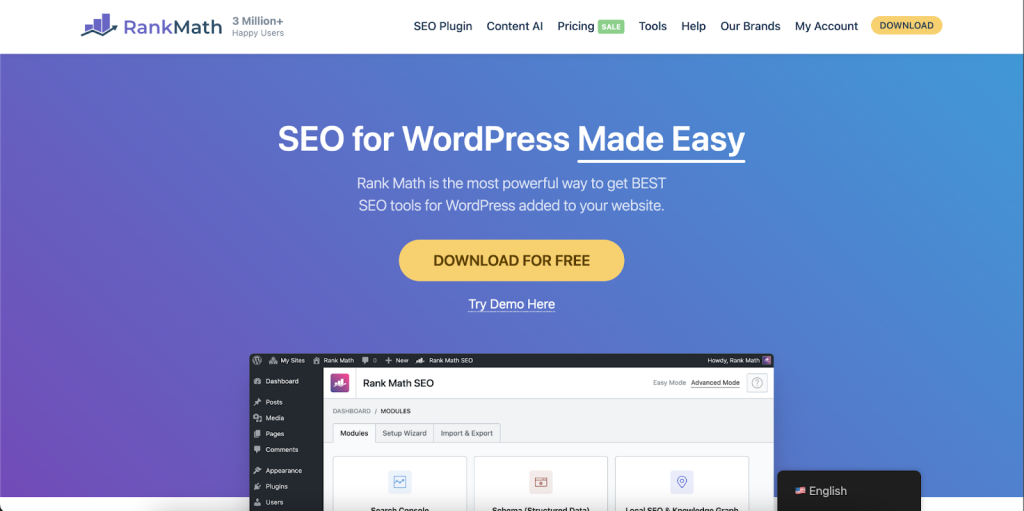
Another heavyweight in the SEO world, which has really solid AI capabilities under its belt too. Rank Math’s Content AI even helps you write AND optimize content at the same time by checking out what the top-ranking pages for your target keyword have and telling your post how to keep up. It’s especially useful for bloggers and content marketers who are looking for data-driven content strategies instead of shooting from the hip.
5 ContentBot.ai
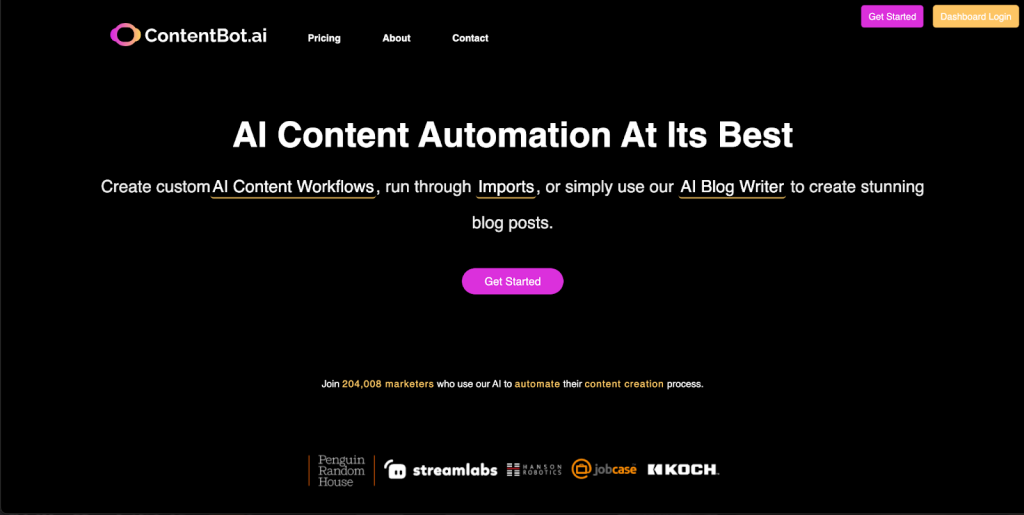
ContentBot is an AI tool that was designed for use in content generation. AI can write a 2,000-word article in less than 30 minutes. Its WordPress plugin beams content straight into your editor and its AI straining places an emphasis on marketing copy and blog content. It has an automation feature that can publish content on a schedule, good for sites that want fresh material on a regular basis.
6 Narrato
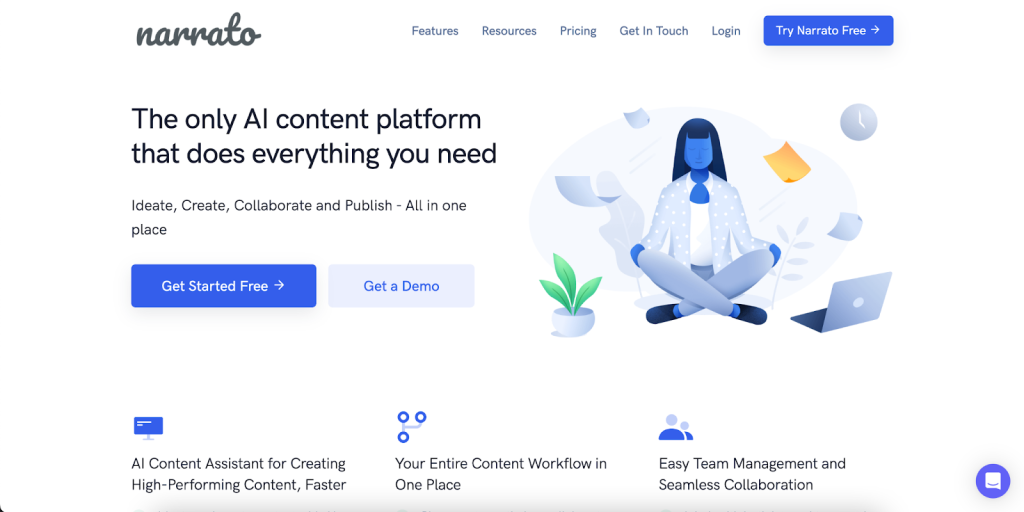
The more ambitious effort is by Narrato. With 100+ AI templates and a built-in content calendar, it’s less of a plugin and more of a comprehensive content operations” platform. Its AI Content Genie compiles ready-to-publish articles every week based on the niche and preferences you define, and WordPress functionality lets you schedule or publish from the platform. Great fit for Content Teams who are managing multiple sites/clients.
7 Semrush Writing Assistant
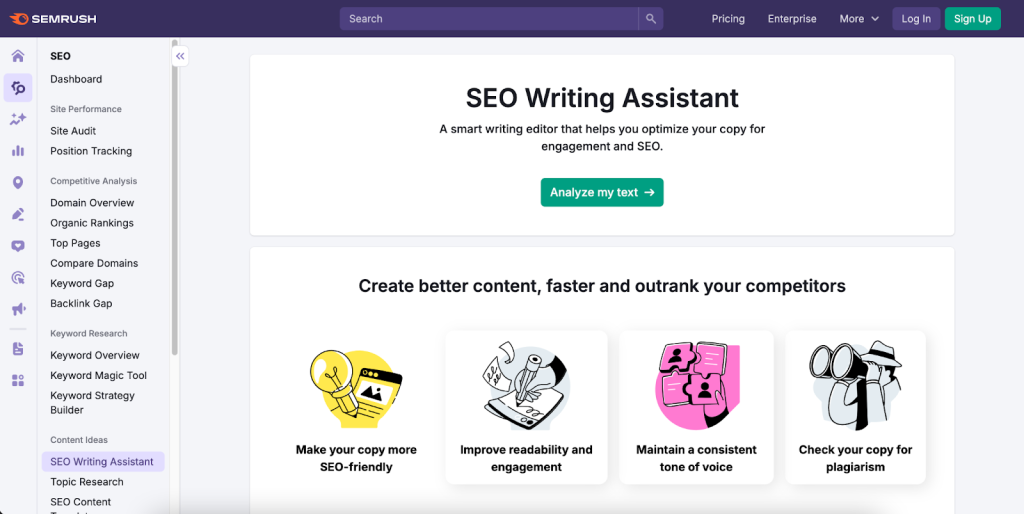
If you’re already using Semrush as your SEO tool, the Writing Assistant plugin is a logical progression. It makes real-time suggestions as you type, including on keyword density, readability score, meta description quality and more. It really fills the gap between creating content and your SEO strategy in a way not many similar tools do out-of-box.
| Treat AI output as a first draft at all times. Review for neutrality, add your own expertise and a pair of questions, then fact-check any specific claims or statistics before hitting publish. |
AI has actual promise to improve both products and services in the WordPress world, but there’s also a danger in being hasty. The focus should be on making the user experience better, not for slapping AI features just because we can.
Many teams are incorporating AI into their content workflows and wondering, ‘what can this do? before the question ‘what does my audience really need?’

AI Content & Google: What to Know
One of the most frequently asked questions about AI content is whether Google punishes it. The short response is no, not as such. For Google, the guide does not turn on where content comes from but rather its quality and helpfulness. Content written by AI that’s true, useful and sounds as if it is written for human beings rather than being translated into a foreign language from another planet, performs just as well in search results.
The confusion comes from bulk AI content that focus keyword stuffing instead on real value. That’s the kind of content Google is aiming to penalize, and fairly. The lesson is not to steer clear of AI; it is to make sure that everything you publish, AI-assisted or not, actually comes up to a standard of quality worth paying for.
It’s the human oversight, editorial judgment and an authentic brand voice that can take AI output and turn it into content that serves your audience and ranks well in search.
Why Your Hosting Environment is Important for AI-Driven WordPress Sites

That’s also a point that seems to go unsaid in AI content tools debates, but it deserves to be said. At their core, AI plugins and content platforms are software that is calling APIs, processing data and managing a ton of content at once. It requires a lot from your hosting environment.
If you are on slow shared hosting there is a noticeable delay when content is generated, the editor can feel sluggish and plugins may conflict with each other. A well-optimized hosting environment, one built specifically for WordPress, eliminates these pain points.
And that’s exactly what UltaHost’s WordPress hosting plans are designed to address. Thanks to NVMe SSD storage, LiteSpeed servers and an infrastructure optimized for WordPress performance, your website remains fast and responsive even if you’re running a lot of plugins or producing gobs of content. That’s your AI writing workflow on point, that’s your editor loading instantly, and you’re never waiting on hosting when inspiration strikes.
Making the Most of AI Writing Assistants: Tips for Practical Dispensation
Getting ahold of an AI content writer is one thing. Using it well is another. Here is what shows how successful teams follow through and teams that won’t be high-fiving at the end of their pilot.
Write specific, detailed prompts. Vague instructions produce vague content. Instead of “write a post about hosting for WordPress,” try “write a 1,200-word beginner’s guide to selecting managed WordPress hosting targeted towards small business owners who are focused on performance and support. The more background you provide, the stronger the output.
Consider what you’ve produced as a first draft, not a finished product. AI content can have a straight-laced, dead tone. It gets the facts wrong, It repeats itself, Always have some human eyes review AI drafts before publication, your editorial judgment is irreplaceable.
Create a repository of prompt templates. When you have discovered a prompts structure that works for your use, save it. You’ll gradually collect a library of trustworthy templates for blog posts, product pages, social captions and the like, which means you sharply reduce how long it takes to get useful AI output.
Fact-check everything. AI tools can produce plausible-sounding information that is just wrong. Never accept the statistical, quoted or specific claim of AI output at face value. Verify before you publish.
Leverage it to break writer’s block, not your need to write at all. The best use of resources like these tools is as a stimulus to the imagination. Use the AI draft as guidance for what shape might make sense, what angles you may have missed and how your case could be made more compelling, then write over it in your own voice.
Finding the Appropriate AI Tool for Yourself
There’s no one “best” AI content writer for WordPress, best choice for you will depend on your goals, team and budget and requirements. In case you value seamless integration with the fewest interruptions to your workflow, the clear choice is Jetpack AI, or what’s packed in to your current page builder (Divi AI and Elementor AI included).
If your main focus is SEO performance, then Rank Math AI or AIOSEO with AI capabilities would provide you with the closest link to what’s written and how it’s rated.
If you are running a content agency, or have multiple sites, Narrator’s platform solution or their ContentBot product. It’s also that ai’s automation makes scaling much easier.
If you’re already a Semrush user, the Writing Assistant plugin is an organic and powerful add-on to your methodology.
Whatever tool you use, just make sure it has a solid hosting foundation, because even the smartest content strategy flops on a slow, unreliable site.
Running your WordPress site on UltaHost?
Explore our WordPress hosting plans optimized for AI-powered content strategy it deserves.
Final Thoughts
AI writing tools are no longer a novelty, they’re practical tools that professional content creators and businesses now integrate into the very core of what they do.
The key word is “thoughtfully.” AI is most useful when it’s a collaborator in your writing, not a substitute for it. Keep a human hand on the editorial wheel, stay true to your brand voice, and leverage these tools to work faster and smarter, not to take shortcuts.
And when your AI-powered WordPress site is ready to scale, ensure the hosting powering it scales to meet its needs. Everything is made possible by a quick, solid foundation.
FAQs
Can using an AI writer damage the Google ranking for my WordPress website?
Not inherently. Google guidelines focus on quality and usefulness content not method of creation. However, an SEO-optimized AI-written content that is legit and truly helpful to the readers can rank.
Can I publish AI created content on my WordPress site as is?
No! and this is one of the most crucial caveats to grasp. Fly-by-Wire and other AI writing tools may generate slick-sounding sentences with errors or out-of-date information or generic language that is not a true reflection of your brand.
Are AI content writers useful for SEO or just for writing?
Some of the best tools do both. Rank Math AI and AIOSEO are specially crafted for optimizing as you write. These plugins will prompt keywords, check readability, generate meta-descriptions and compare drafts to the top-ranking competitor pages. Even standard writing tools like Jasper can write SEO-structured content if you gave them the right hints with your desired keywords.
Are AI content writers useful for SEO or just for writing?
Some of the best tools do both. Rank Math AI and AIOSEO are specially crafted for optimizing as you write. These plugins will prompt keywords, check readability, generate meta-descriptions and compare drafts to the top-ranking competitor pages. Even standard writing tools like Jasper can write SEO-structured content if you gave them the right hints with your desired keywords.
Is any technical skill required to set up and use AI writing plugins on WordPress?
No. You can access majority of these AI writing plugins like any other WordPress plugin from WP directory with one click.
Isn’t there a possibility of duplicate content when AI tools borrow from similar training data?
It’s a valid concern, though, in reality, if you’re using the prompts which are appropriate for your niche/audience/angle you won’t end up running this kind of risk. AI tools produce text probabilistically, outputs vary even when prompts are similar.


