



Because WordPress is still quite popular, it is still one of the most attacked platforms in 2026. With the increasing cyberattacks, which become more automated and sophisticated, security gaps, even the smallest of them, can cost data loss, downtime, or even loss of integrations in the case of SEO. Making WordPress security a top priority.
Brute force attacks, malware, plugins or themes that are outdated, spam bots, and DDoS attacks can happen. They usually happen due to outdated software or login credentials that are too weak.
By using a WordPress security plugin, you can help protect your website by blocking malicious attacks. Scanning for malware, securing logins, and alerting you to any threats can help provide strong protection without needing to be very tech-savvy.
Key Takeaways
- With WordPress sites being the biggest target for hackers, security plugins will absolutely be required in 2026.
- The best security involves a layered approach, using secure hosting, updated plugins, and backups.
- When getting your security plugin of choice, look to see that they feature a firewall, login security, malware scanning, and will give timely notifications when attacks are occurring.
- Some websites are not built the same, and each has its own set of needs, so look to install plugins that cater to the needs of your blog, business site, or eCommerce store.
- There are free security plugins that will give you a level of minimal security. For greater security needs and peace of mind, consider a paid plugin.
Secure Your WordPress Site the Smart Way
A powerful security plugin works best on a secure hosting foundation. Boost your WordPress protection with fast, secure, and fully optimized hosting built to stop threats before they start.
What to Look for in a WordPress Security Plugin
When selecting a WordPress security plugin, just picking one out because of its high popularity will not be the best option. The best plugins maintain your website’s speed, stability, and management, and provide excellent protection. The features that are most important to consider are listed below.
Firewall Protection (WAF)
A Web Application Firewall blocks malicious traffic before it reaches your website. It helps prevent common attacks like SQL injections, XSS, and bot-based threats, adding an essential layer of defense.
Login Security and Brute-force Protection
Limiting the number of attempts for logins, adding a CAPTCHA, and implementing two-factor authentication (2FA), along with IP address blocking, can help secure the admin section from unauthorized entry and brute-force attacks.
Real-time Security Alerts
Notifications are sent as they are needed so that you can deal with suspicious behavior, unwanted logins, or malware that has been discovered, which makes it possible to nip a potential problem in the bud before it can escalate.
Backup and Recovery Options
Some of the security plugins offer you the ability to automate records and restore with a single click. This will help you to swiftly recover your website after it has been the target of a brute force attack or suffered the loss of vital data.
Performance Impact and Ease of Use
A website should not become slow due to security measures. Look for simple plugins with a fast dashboard that are great for users who are not experts.
Compatibility with Themes and Plugins
The plugin must blend seamlessly with your WordPress theme and other plugins. Frequent updates and ongoing support promise longer compatibility and dependability.
Security Plugins Settings:
Adjust your settings on security plugins, rather than relying on them for a complete solution or leaving your settings on default. When setting up a security plugin, look for firewall, password, and login controls, and update your settings frequently for the greatest level of security. When automated backups and secure hosting are added, your security will mitigate known and unknown issues.

9 Best WordPress Security Plugins
The following plugins provide some of the best website security services you can find for your WordPress website. The following lists the security plugins and describes some of their best features and services.
1 Wordfence Security
One of the biggest and best WordPress security plugins out there is Wordfence. Millions of website owners, including myself, trust Wordfence to protect our websites. They provide a secure website protection service at the server level and combine that with real-time threat protection. Wordfence is perfect for users who prefer to have multiple security logs and want to have the option to customize their security to the level that best fits their needs.
Key features
- Overall security firewall
- Malware scanning
- Protection against brute-force attacks.
- Monitoring of file integrity.
2 Sucuri Security
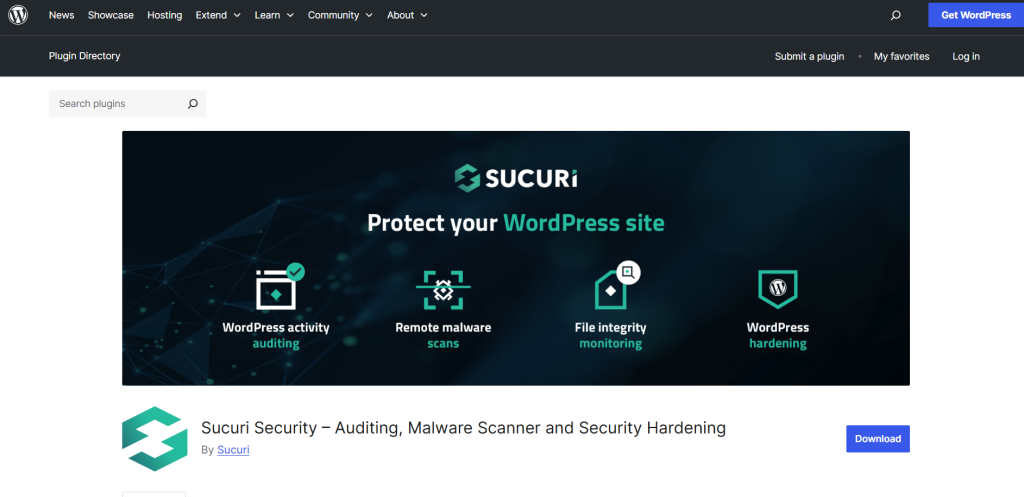
Sucuri Security is known to be the best security plugin for website owners who have websites that experience high traffic and/or business, and also want a cloud-based firewall protection solution. Also, Sucuri is also a great website recovery option and is perfect for websites that experience constant cyber attacks, providing optimal website recovery solutions.
Key features
- Web Application Firewall on the Cloud
- Malware detection and remediation
- Website activity auditing
- Monitoring of blocklists
3 iThemes Security
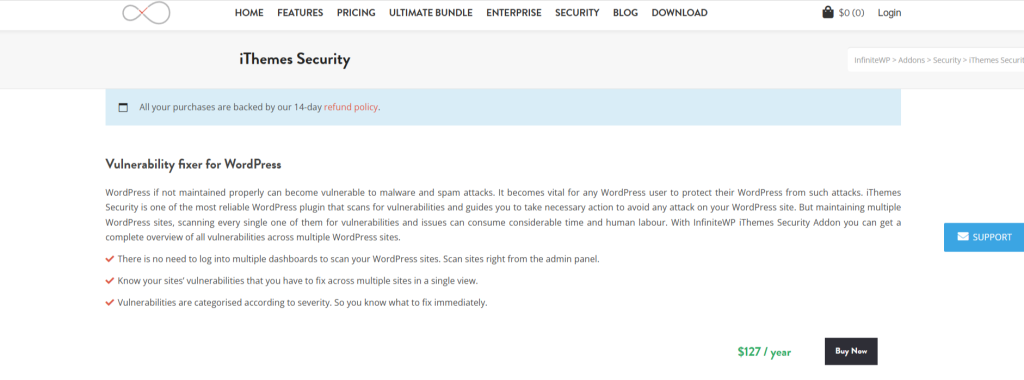
iThemes Security aims to streamline WordPress security for novices, while still providing more robust and advanced layers of protection. It does not concentrate on just malware eradication, but on bolstering the deficient security areas, like the login pages, user access rights, and the database. This plugin stands out as a good choice for customers who want uncomplicated security enhancements.
Key features
- Prevention of brute force attacks
- File modification detection
- Two-factor authentication
- Tools for configuring security settings
| The latest security reports indicate that more than 90% of hacked WordPress sites have their security compromised due to outdated plugins, themes, or compromised login credentials. These reports highlight the need for a quality security plugin, an up-to-date site, and updated plugins throughout 2026. |
4 All In One WP Security & Firewall
Firewall & Security by All In One WP is a great plugin that offers a lot of features that are great for beginning security enthusiasts. It is practical and free, and uses a scoring/ranking system to show which areas a website needs to improve on, which is very helpful. It offers peace of mind for higher-end security and is great for newcomers/backpackers with small websites/blogs.
Key features
- Security and account protection plugins
- Security grading with Firewall plugins
- Security on databases and files
- Monitoring of files
5Jetpack Security
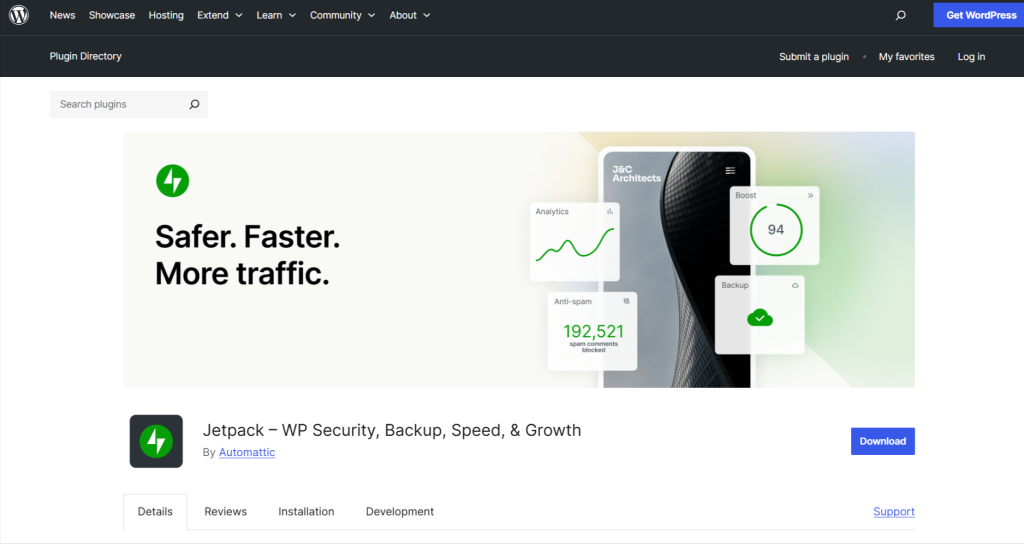
Security by Jetpack is a combination of protection and adds more versatility by including backup and performance tools. Jetpack is quite trusted since it is backed by the same brand of WordPress.com, which is quite reputable. Security by Jetpacks is best for people who like quick, pre-fabricated system setups and like the protection to be fully automatic.
Key features
- Backwards and restores with real-time
- Scanning for malware
- Protection from brute forces
- Monitoring of downtimes
6 MalCare Security
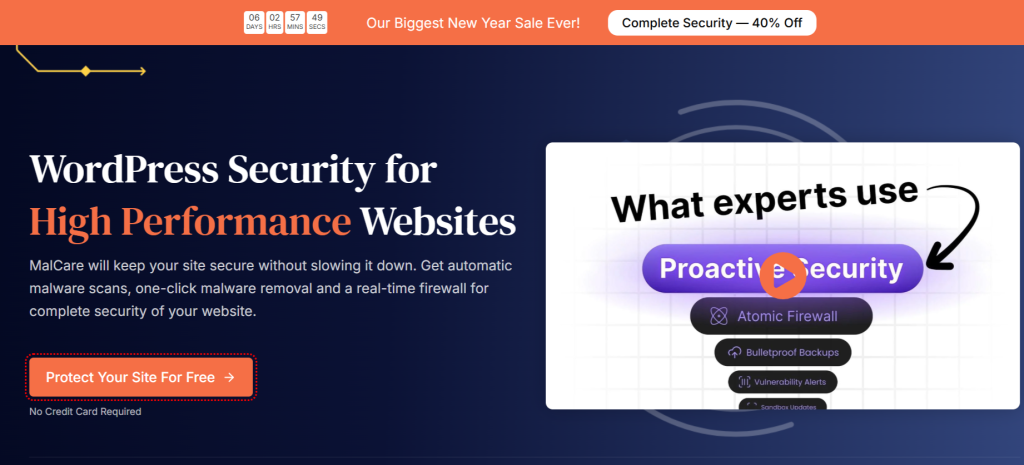
MalCare Security is the most notable in offering advanced and quick detection of malware, and it does not use up the storage space of a website. It is very popular among agencies and store owners. MalCare offers a great way to keep a website secured from threats with a minimal effect on website performance by utilizing cloud power.
Key features
- One-click malware cleaning
- Smart firewalls
- Protection when logging in
- Scanning in the cloud
7 SecuPress
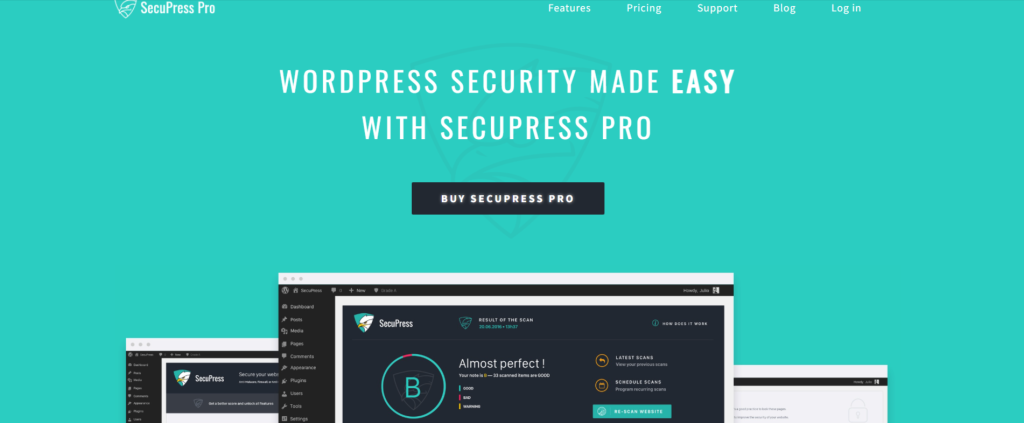
SecuPress provides a unique and contemporary model for security in WordPress. Moreover, SecuPress provides a great balance between simplicity and effectiveness and caters to users of all skill levels, from basic to intermediate. SecuPress places a great emphasis on securing systems before they get breached.
Key features
- Scanning and alerting of malwares
- Protection against brute force
- Blocking of the firewall and IP
- Tools for hardening security
8 WP Cerber Security
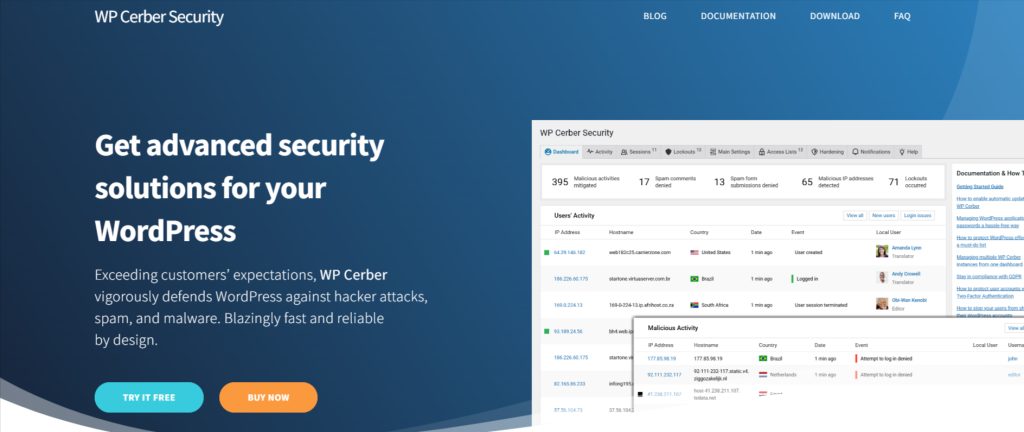
WP Cerber Security focuses on the security of WordPress login pages and user access points. It blocks nefarious bots, spam signups, and repetitive logins. It is best suited for websites that undergo frequent and massive brute-force attacks and spam attacks.
Key features
- Advanced control of logins and IP access
- Protection against spam
- Protection of activities
- Automated rules of security
9 Shield Security
Shield Security is designed for users who want automated security with minimal setup. It runs in the background and uses smart rules to firewalls and alerts to suspicious activity. Shield users prefer a “set it and forget it” security solution.
Key features
- Automated firewall solutions
- Protection against bots and brute-force
- Detection of file changes
- Little impact on performance
Take WordPress Security to the Next Level
For growing and high-traffic WordPress websites, stronger security starts at the server level. Upgrade to a VPS environment with enhanced isolation, performance, and control to protect your site from advanced threats.
How to Choose the Right Security Plugin for Your Website
To find the best security plugins for WordPress, you’ll need to take into account the site’s size, purpose, traffic, and other details. Strong protection without needless intricacies or costs is only available when optimally selecting plugins.
Small blogs vs business websites
Personal websites and small blogs typically only require basic protection; a simple web application firewall, login security, and malware scanning are often enough, and lightweight or even free plugins are sufficient. Advanced features like real-time monitoring, file integrity checks, and premium support are worthwhile for business websites, as they deal with more sensitive data and a more vulnerable brand reputation.
eCommerce and high-traffic sites
Websites with high traffic and online stores are at an increased risk of attacks and data theft. Security plugins with robust DDoS protection, real-time malware scanning, and strong firewalls, as well as backup options, are necessary for these sites. Additionally, it’s vital to ensure the security features do not increase load times.
Budget considerations
As malware removal, updates, and support with premium versions improve, a large part of the costs will go to recurring financial drains, rather than to improve your company’s bottom line. If your site’s revenue is sufficient to justify the added risk, a paid version will be a beneficial investment for avoiding data loss and downtime.
Best Practices to Improve WordPress Security Beyond Plugins
WordPress Security Plugins are useful tools, but serious WordPress Security requires a more multi-faceted approach, including the following best practices to lower potential threats and enhance the security of your website.
Regular Updates
Make certain that the WordPress core and its themes and WP plugins are all current. Updates may contain security fixes that close gaps and vulnerabilities that criminals may try to use to attack your website.
Strong Passwords and User Roles
Make certain there are complex and unique passwords for all user accounts and implement two-factor authentication when feasible. In the interest of reducing possible damage, keep administrator privileges to a minimum, and assign appropriate access based on user roles.
Secure Hosting Environment
Website security greatly depends on the hosting provider. Use a host that has server-side security, malware scanning, and firewalls, so you can build on that support.
SSL Certificates and Backups
An SSL certificate is used to protect sensitive information by encoding the information that’s being transmitted between your site and its visitors. Additionally, regular backups will help you to quickly fix your website in the event of a hack, error, or deletion of information.
Final Thoughts
Using a combination of plugins, secure hosting, regular updates, and strong access controls is the best way to strengthen your WordPress security. There isn’t a way to achieve full security with a single tool.
Select a security plugin based on the size, traffic, and risk of your website so that you don’t overload your site or overlook important features. In the long run, regular updates, activity security reviews, and reliable backups will provide the best security.
FAQs
Are WordPress security plugins really necessary?
Yes, security plugins add an essential protection layer by blocking attacks, scanning for malware, and securing logins—features not available by default in WordPress.
Can one security plugin protect my site completely?
No single plugin can guarantee complete security. The best protection comes from combining a good plugin with updates, secure hosting, and strong passwords.
Do security plugins slow down WordPress?
Most modern plugins are optimized for performance, but poorly configured or heavy plugins can affect speed. Choosing a lightweight plugin helps avoid slowdowns.
Which WordPress security plugin is best for beginners?
Beginner-friendly options like All In One WP Security, iThemes Security, or Jetpack offer simple dashboards and guided setup.
Free vs paid WordPress security plugins: which should I choose?
Free plugins are suitable for basic protection, while paid versions offer advanced features like real-time monitoring, malware removal, and priority support—ideal for business or eCommerce sites.


