
How to Set Up and Use Private Docker Registry
Setting up a private Docker registry can significantly ...






Containers are meant to be light, fast, and ephemeral. But the data they produce is often anything but ephemeral. Databases, application files, logs, and settings require a robust data storage solution that will survive container restarts or replacement. This is where Docker volumes step in. But will they survive without a backup solution?
It is essential that one must know about back up Docker volumes to ensure the reliability of applications and prevent a catastrophe from occurring. Whether you are working with a small-scale development environment or a high-scale production environment, it is crucial to back up your volumes to ensure that important data will always be accessible in case of a container failure, system crash, or migration mistake.
Important to grasp how to restore a backup in addition to understanding how to back up a Docker volume. A proper backup and restore solution for Docker volumes will allow you to recreate environments, recover from mistakes, and migrate applications from server to server without any downtime or data corruption.
Ensure the security of your containerized applications!
You can ensure that through the use of reliable infrastructure. With Ultahost, you can use Docker-enabled servers for automated backups and keep your data secure at all times. Try us and you will not leave disappointed.
Docker volumes contain persistent data, and they operate independently of the container lifecycle. This implies that the container could be destroyed or recreated, but the data would remain. However, the physical storage of the Docker volumes could crash, or the user could accidentally delete the data.
Frequent backup of Docker volumes would ensure the security of your application data from these problems. Some of the situations where Docker volumes’ backups could be crucial include:
One basic method to back up Docker volumes is to use a container to archive the volume’s content. This method can be very effective because it utilizes Docker to manage the volume’s mounting for the developer.
This method allows administrators to move the backup file anywhere.
Benefits of this approach include:
Backing up the data is only half the process. Knowing how to restore the data quickly from the backup is essential.
To restore the data from the backup, the following key points should be followed:
After the data is restored, the volume can be attached to a new or existing container.
This ensures that the data is restored even if the original container or server does not exist.
Manual volume backup is useful for development purposes, but we do not recommend it for production purposes. It is essential to automate the process of backing up the volume.
Some tools that we use to automate the process include:
To maintain reliable backups, it is not enough to simply back up your data on occasion. To improve the reliability and stability of your data, it is best to implement best practices for backup and restore persistence.
To ensure that recent data will be available if you ever need a restore, you should perform regular backups.
Storing your backups on the same host as your data will be for nothing if the host itself fails. Store your backups on a cloud or another remote host.
Many people back up their data, but not everyone tests the restore process. Testing your restore process will ensure that your backup works.
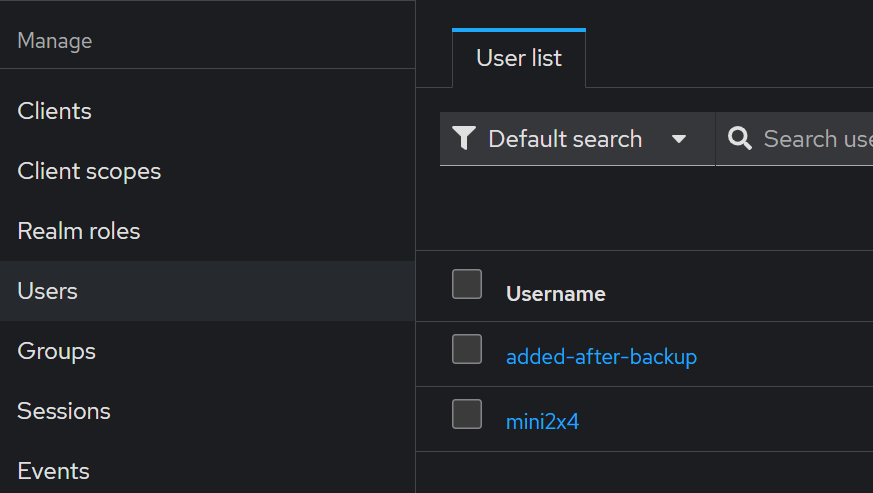
You should encrypt any files with sensitive information before you transfer them to a remote location.
We do not often notice failed backup processes. Using a monitor will alert you as a result if a backup process fails.
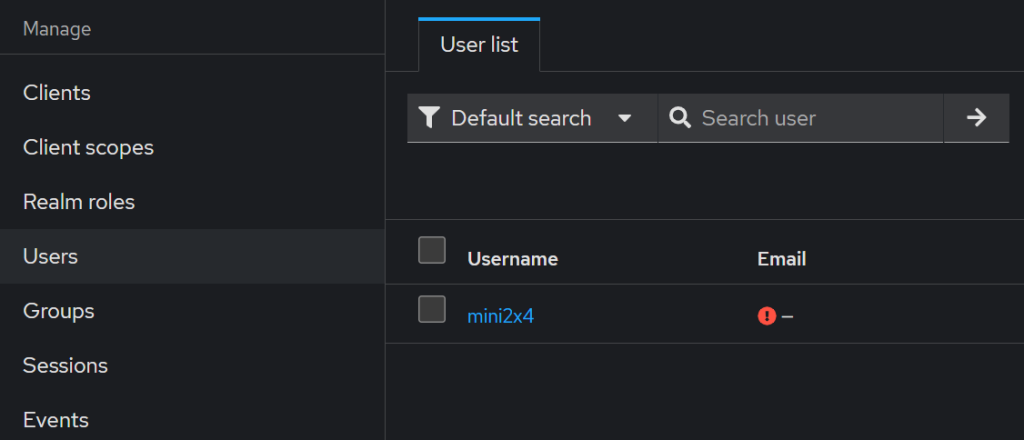
Docker volumes are very important for containerized applications. However, it is important to protect these volumes with an effective backup strategy. Without an effective backup strategy, failure to back up the volumes, or failure of a server, can result in the loss of important application data. Finally, learning how to effectively back up Docker volumes will help developers and system administrators to effectively manage reliable environments.
Maintain multiple versioned backups of your Docker volumes instead of storing only the latest backup.
UltaAI – Smart AI Assistant for Ultahost Clients
UltaAI is your advisor for anything related to domain or hosting. Experience personalised suggestions for a better value.
Setting up a private Docker registry can significantly ...
Deployment of Redis in Docker simplifies managing depen...
Docker is known as the industry leader when it comes to...
Managing logs in Docker Compose is essential for develo...
As a web developer, you're likely no stranger to the im...
Docker is a containerization platform that enables us t...