
How to List, Start and Stop Docker Container...
Docker is a platform that allows you to build, deploy, ...






A user of containerized apps will soon discover that managing environment variables within a Docker container is critical for a developer or system administrator. Environment variables are a way to configure your application. You get to pass in values this way when the application runs. Different to hardcoding terminal output values into the Docker image itself.
Using environment variables helps with the portability of your Docker images across environments. Because it is the same image that has a different configuration based on the environment type. Moreover, that makes it easier to manage the deployment of your Docker containers as part of modern DevOps practices.
There is a benefit to using environment variables to configure your containers. They help to keep sensitive information and configuration for an application. Using environment variables enables your containers to remain lightweight and therefore reusable. All the while being able to accommodate various system requirements at runtime.
Need reliable hosting to run your Docker container?
Ultahost offers you functional VPS and container hosting services to host your container. To host it in an environment that is fast and scalable and reliable. So what are you waiting for? The button is right below!
The use of environmental variables is an important aspect when developing containers because they provide a separation of configuration from code. This means that you do not have to build any images again if the environment variable settings change. Just modify those values at the time the container is launched.
This is a common practice used in many modern software development environments. More so when you develop microservice applications. All containers execute the same container image. They use different capabilities based on the environment variable that each container receives. The dev environment will run against a test database. The production environment will run against a hardened production database.
Environmental variables are also beneficial to automated pipelines and CI/CD tools. Those tools will often inject configuration values as part of their respective processes. Therefore, it makes it easier for Docker containers to work in an automated workflow.
Defining environment variables in Docker can be done with the -e flag when running a command through Docker. For example:
Docker run - E App_Env = Production - last DB_Host = localhost My docker image
This command would set two Environment Variables in the container:
1. App_Env = Production
2. DB_Host = localhost
You can define them separately as such:
Docker run - E App_Env = development My docker image
This way of defining environment variables is great for quickly testing or running a container immediately from the command line.
Define environment variables in a Docker file. And then build an image from the file while adding environment variable values using the ENV instruction as follows:
FROM Ubuntu: 22.04

ENV APP_ENV = production

ENV APP_DEBUG = false
Those environment variables will be used during the building process when you build the container image.
The values continue to exist in the application after the container is created.
If the user wishes to change the values during the running of the container, they may do so.
As a result, this method can also be helpful if all of your container images require a certain default setting to operate successfully.
Environment files enable you to set multiple environment variables in a single file.
For example:
APP_ENV=production

APP_PORT=8080

DB_HOST=localhost

DB_USER=admin
You can then use these variables to start your container:
docker run --env-file .env my-docker-image
The benefits of using .env files are:
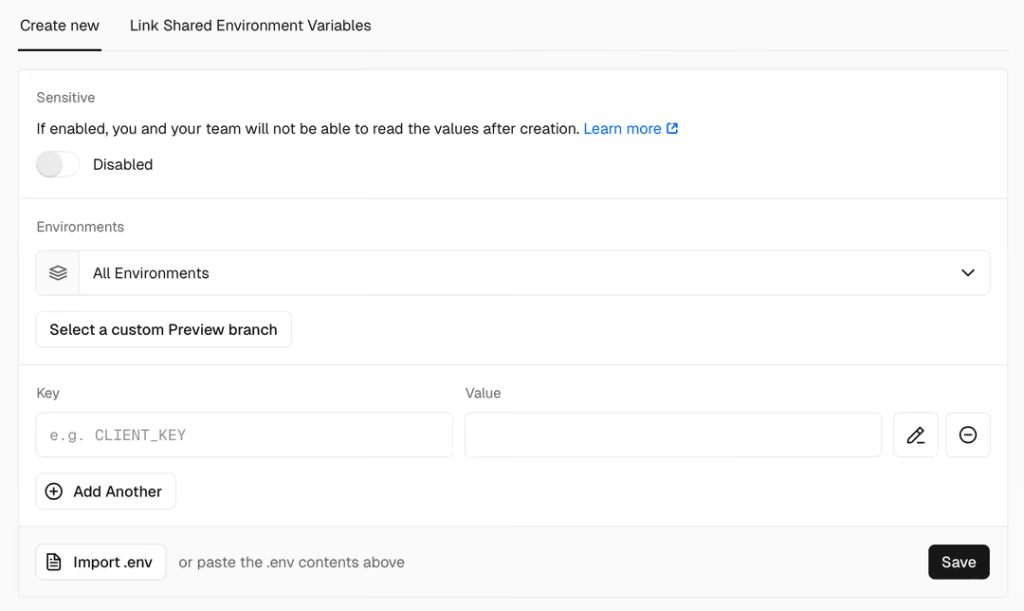
All in all, this is useful for large projects with many environment variables.
You can set environment variables within your docker-compose.yml file if you are using Docker Compose.
For example:
version: '3'
Web:
image: my-docker-image
Environment:
- APP_ENV=production

- DB_HOST=database
You can reference an .env file automatically. Docker Compose reads .env files that are placed in the project directory.
The advantages of using Docker Compose for environment variables are:
Necessary to adhere to best practices to get the best out of environment variables in Docker.
Avoid storing passwords and API keys in Dockerfiles.
Environment files make it easier to manage multiple environment variables without making your commands look disorganized.
Use consistent variable naming conventions like:
APP_ENV

DB_HOST

API_KEY
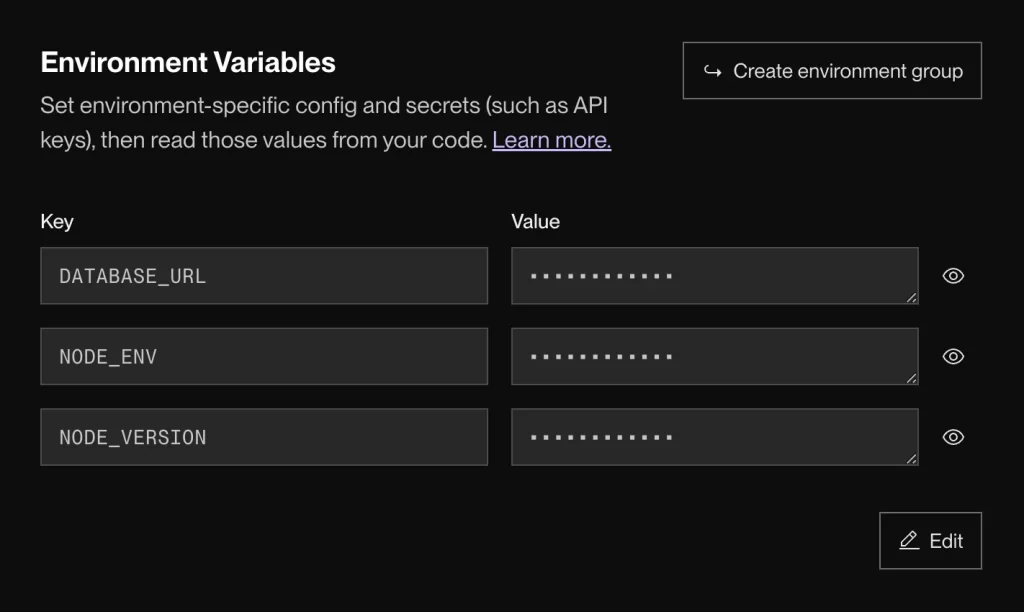
This will make it easier for people who are developing your application to understand it.
Consider Docker secrets or external secret management tools for sensitive data.
Learning how to configure environment variables in Docker eases the process of development. You find it smooth to develop flexible and scalable applications using containers. Environment variables allow developers to deploy the same application in different environments using the same image while maintaining different configurations. Moreover, that is something quite handy in our hectic times.
Use .env files to keep your environment variables organized. Store multiple variables in a file and load them into Docker instead of passing them on the command line. As a result, this improves readability and simplifies configuration management and reduces errors when working with many variables.
UltaAI – Smart AI Assistant for Ultahost Clients
UltaAI is your advisor for anything related to domain or hosting. Experience personalised suggestions for a better value.